Free
A complete starter loop
- Gentle break invitations
- Starter movements
- Guide-only sessions
Purrch notices when focus runs long—and finds the right moment to move.
Download for MacA few minutes to move can refresh your focus.
Start your breakActive now? It waits. Focus running long? It finds a natural opening.
 Time for a short break?Purrch found a natural opening.Start your break
 Nice work.You moved and reset.Return to work
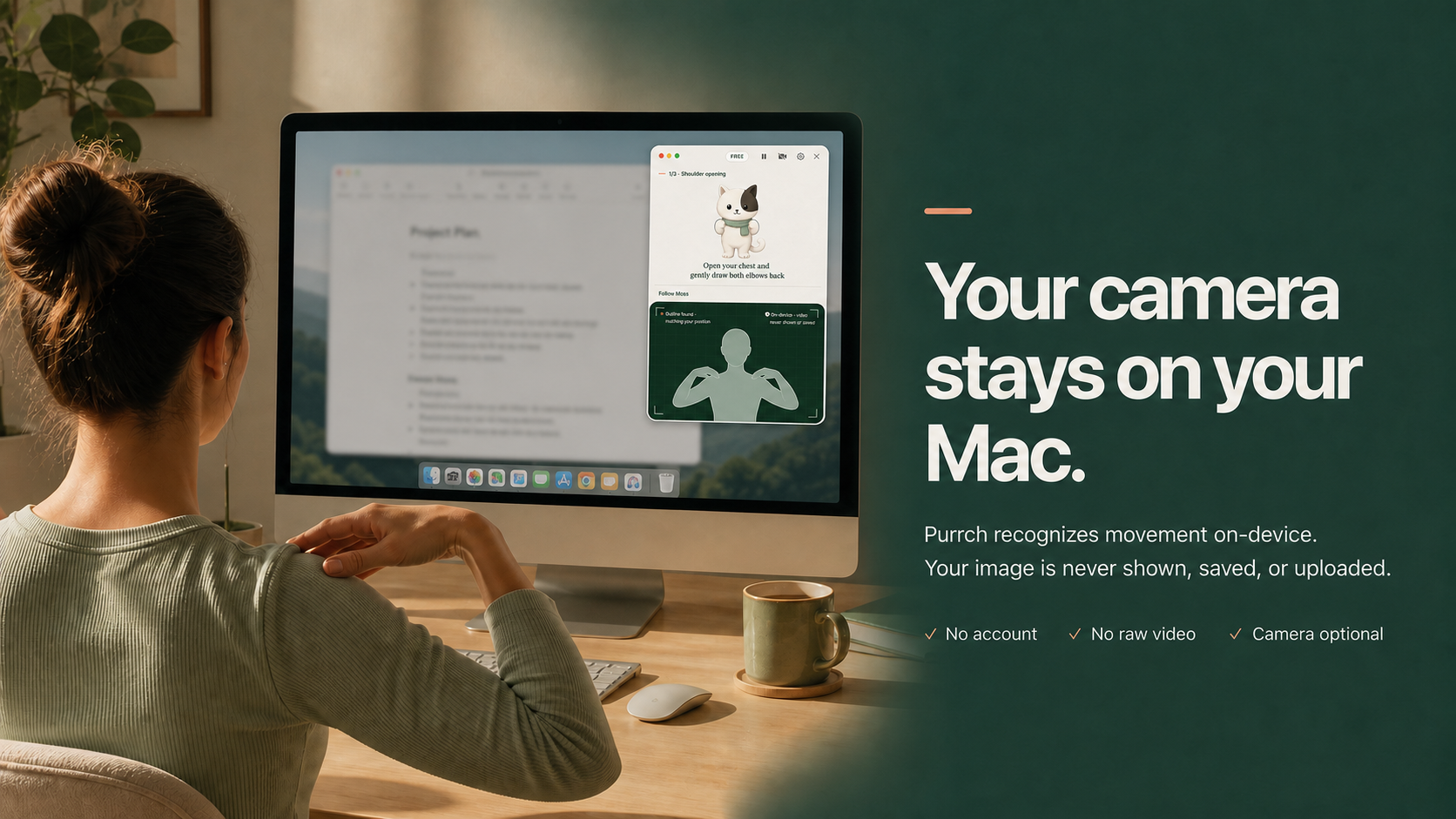
Purrch recognizes movement on-device. Your image is never shown, saved, or uploaded.
A complete starter loop
The full Purrch experience
No subscription
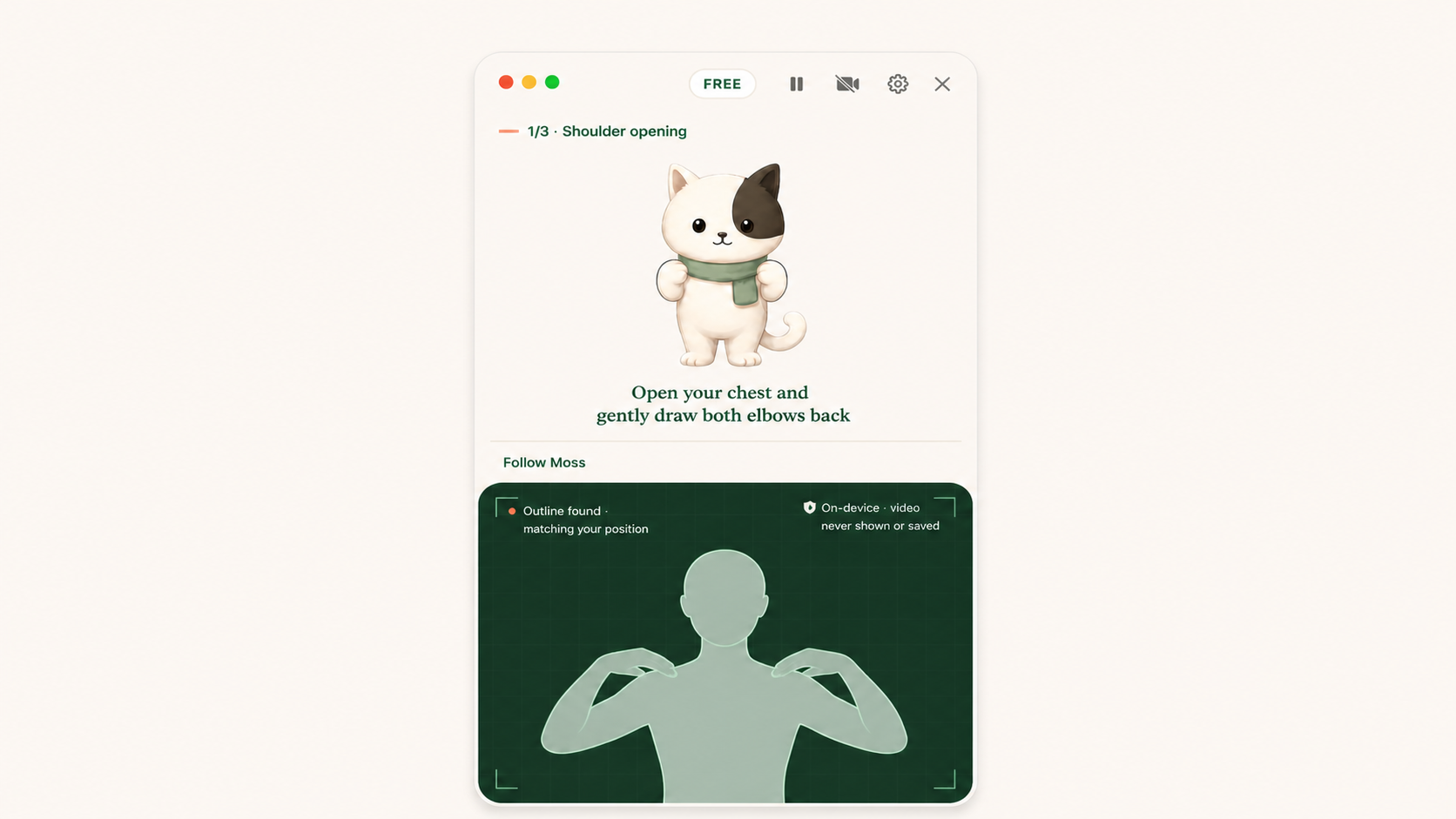
Purrch is a native macOS menu-bar movement coach for people who spend long hours at a Mac. It offers short, guided movement breaks of about one to two minutes for your neck, shoulders, wrists and eyes, led by a small desk cat named Moss.
Instead of interrupting on a fixed clock, Purrch counts your active work time and waits while you are busy before inviting you to move. Each break is a concrete guided movement rather than just a countdown screen, and you can start it, postpone it, pause Purrch for an hour or mute it until tomorrow.
No. The camera is optional and off by default, and every Starter movement works in guide-only mode without it. If you turn it on, Purrch confirms your movement on-device with Apple Vision using an anonymous outline. Your camera image is never shown, saved or uploaded.
Purrch is free to start, with Starter movements, unlimited guide-only sessions and 3 private movement confirmations. Lifetime Pro is a one-time US$9.99 purchase that unlocks unlimited private confirmation, the complete movement library and weekly summaries. There is no subscription.
A Mac running macOS 14 Sonoma or later. Purrch is available on the Mac App Store and does not require an account.
No. Purrch is an everyday movement companion. It does not diagnose, treat or prevent any medical condition.
Comparing options? See Purrch vs other Mac break reminder apps.
Purrch makes space to move—without pulling you out of your day.
Download for MacmacOS · On-device · No account required